Set the right synchronization rhythm for each connection
Each supported provider connection can now follow the schedule that matches how you trade. On Connections, open the underlined next-sync time or Schedule sync, then choose:
- every 5, 15, or 30 minutes;
- every hour, 4 hours, or 12 hours;
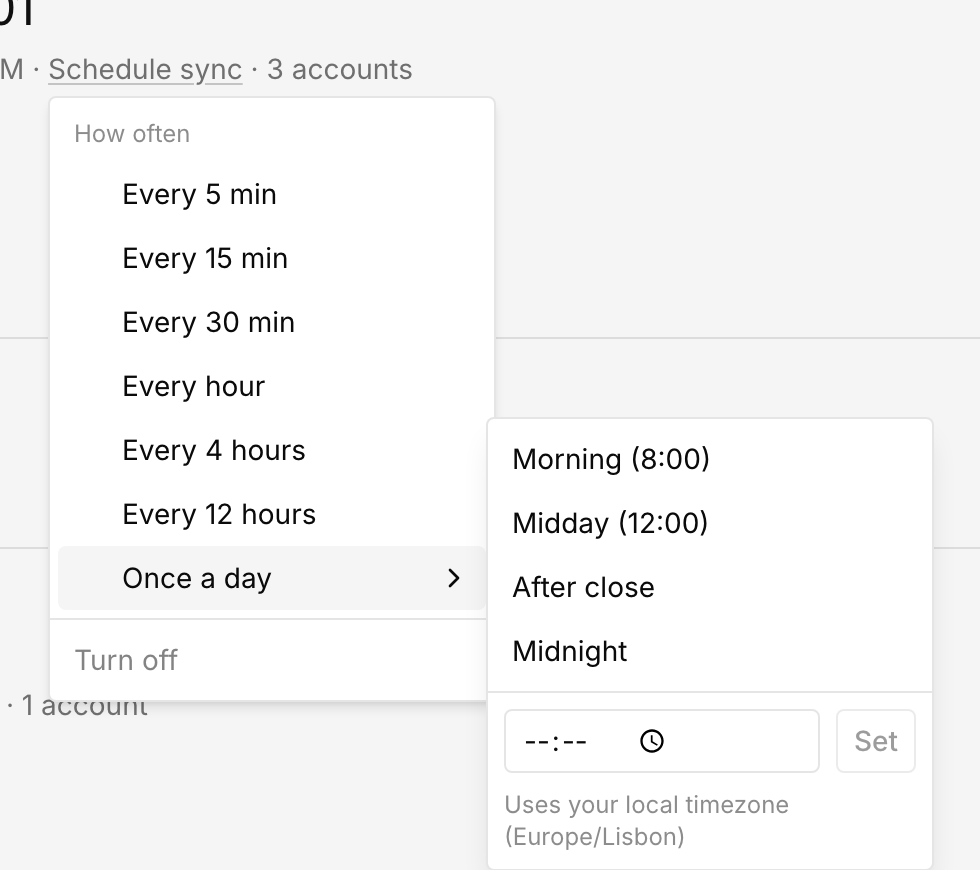
- Once a day at a local time;
- Turn off for manual synchronization only.
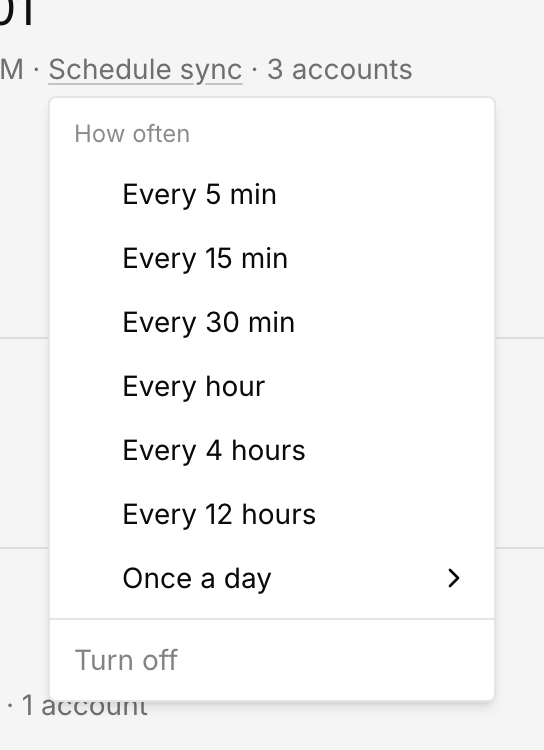
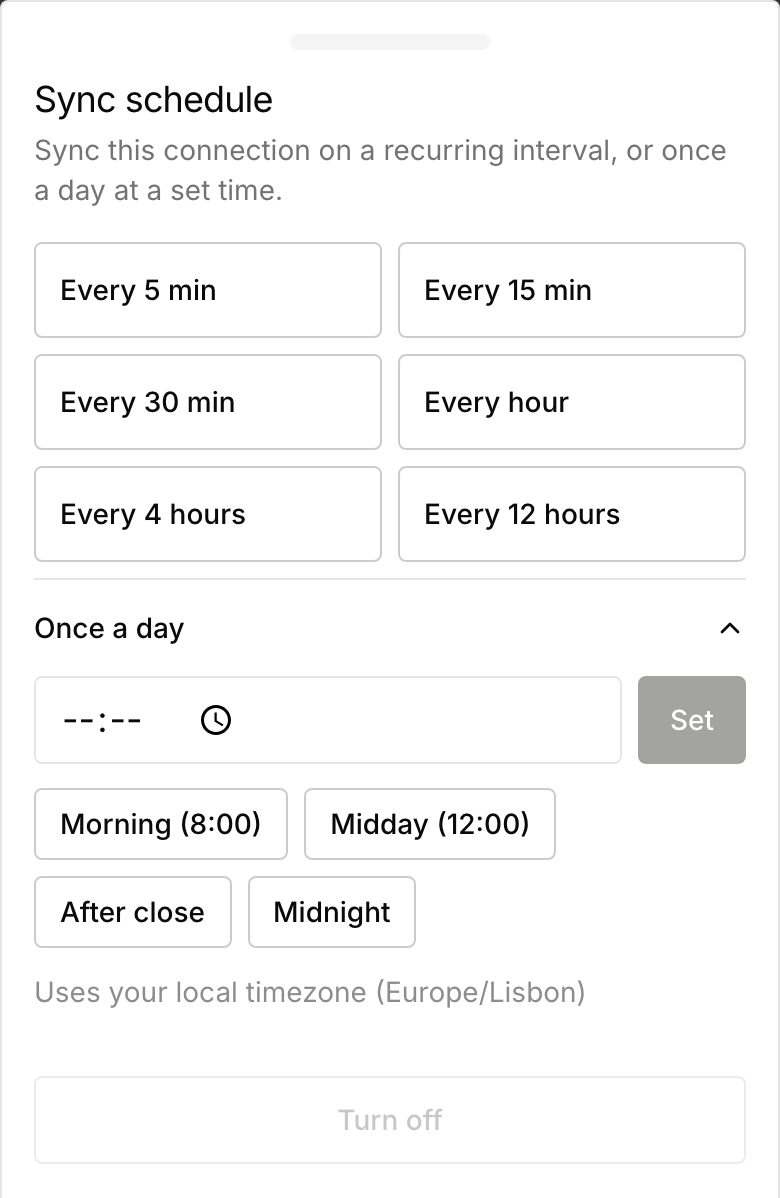
Daily scheduling includes morning, midday, after-close, and midnight presets, as well as a custom local time. A choice applies immediately and can be changed from the same control. On desktop it appears under How often; on mobile, the Sync schedule drawer keeps intervals and daily options together.
Recurring and daily schedules are available for Tradovate, DxFeed, Rithmic Protocol, and Interactive Brokers. Thor and the legacy Rithmic connection remain manual-only.