Jump between mobile widgets with a toolbar minimap
On phones, the Widgets carousel still works for nearby cards—but when your layout is long, you can jump farther without swiping through every full-screen card.
A compact stack of upcoming widgets now sits in the mobile toolbar (after the filters). Tap it to open the Widget minimap: miniature previews of the remaining cards in your layout. Select a thumbnail to scroll straight to that widget and close the overlay.
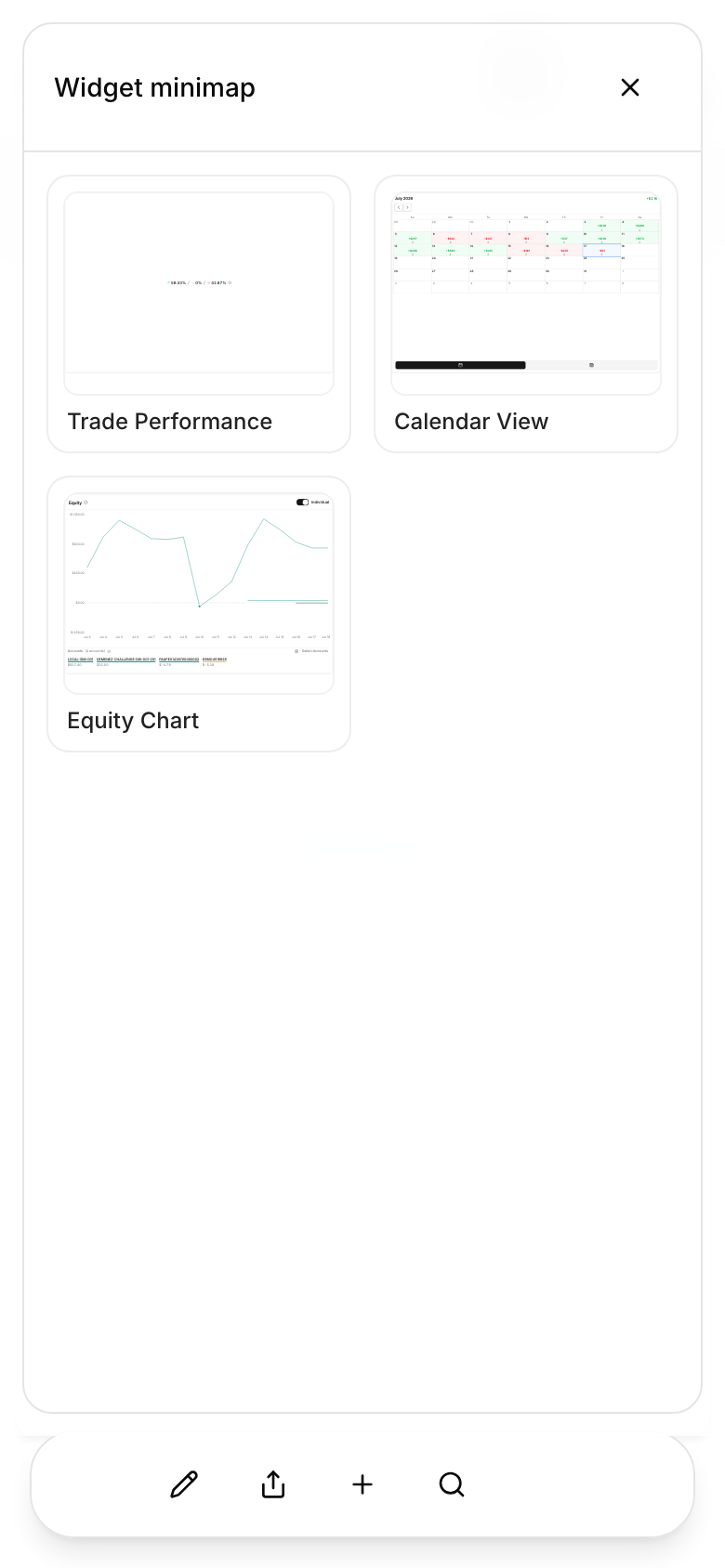
The collapsed stack shows up to three upcoming widgets (the current card is excluded). Motion follows your scroll direction when you move through the carousel and respects reduced-motion preferences.
This control appears on mobile and compact viewports only. Open the dashboard on a phone or narrow window to try the minimap on the Widgets tab.