Manage API tokens and authorized apps in Settings
Settings → Connections now shows everything that can reach your account through the API.
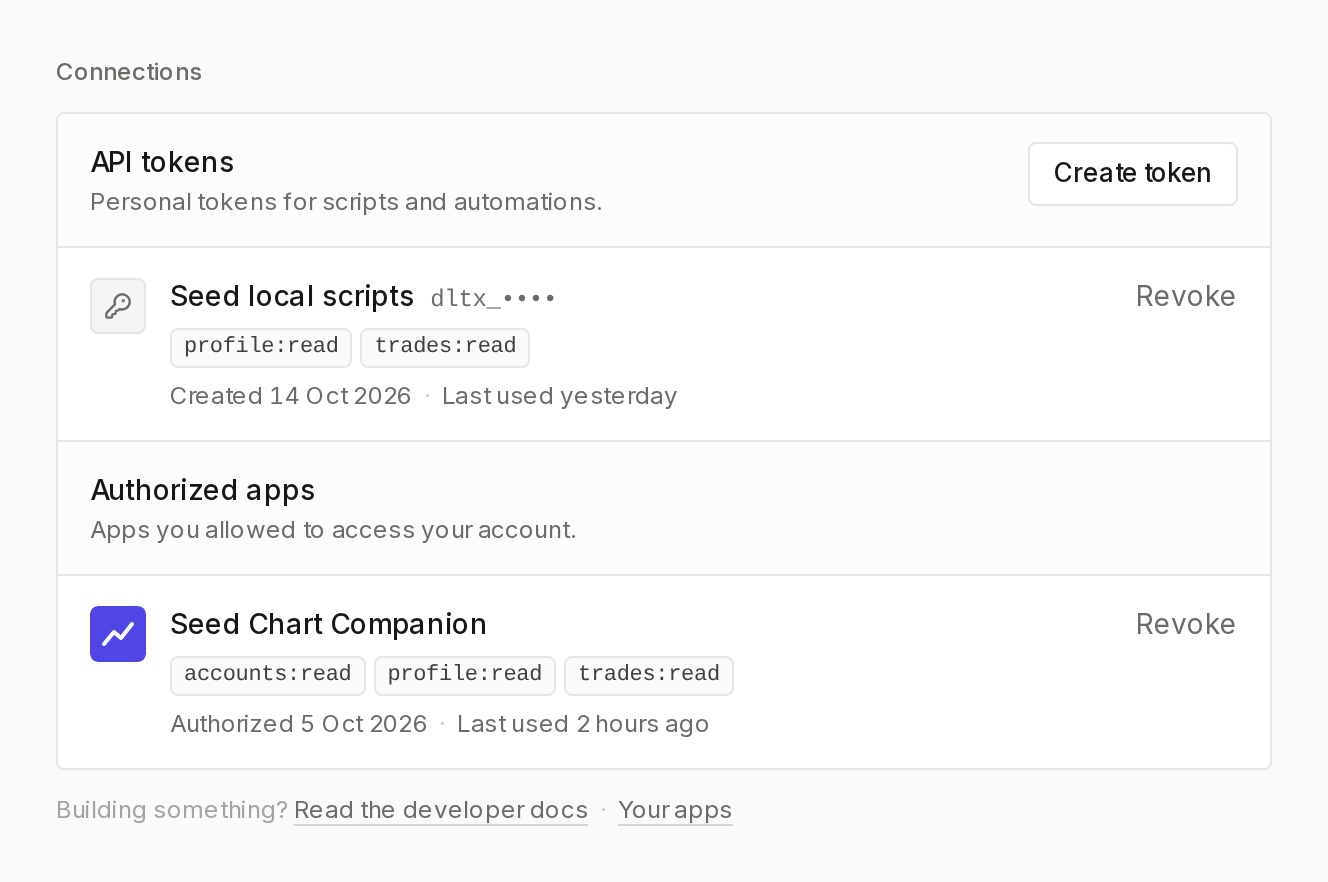
- API tokens come first. Use Create token, pick a name and scopes, and copy the token right away: it's only shown once. Each row shows its scopes, when it was created, and when it was last used.
- Authorized apps lists the apps you've approved, with their scopes and last use. Revoke cuts an app's access immediately; you'd need to authorize it again to use it.
Building your own integration? The link at the bottom of the section goes to the developer docs and to your apps. API access is no longer in the account menu; it lives here now.