A guided DxFeed setup, now with My Funded Futures
Connecting through DxFeed now starts with the firm you trade with. From Connections, add DxFeed, search the supported prop-firm list, and choose your firm before continuing to credentials. On mobile, the same searchable list opens in a drawer.
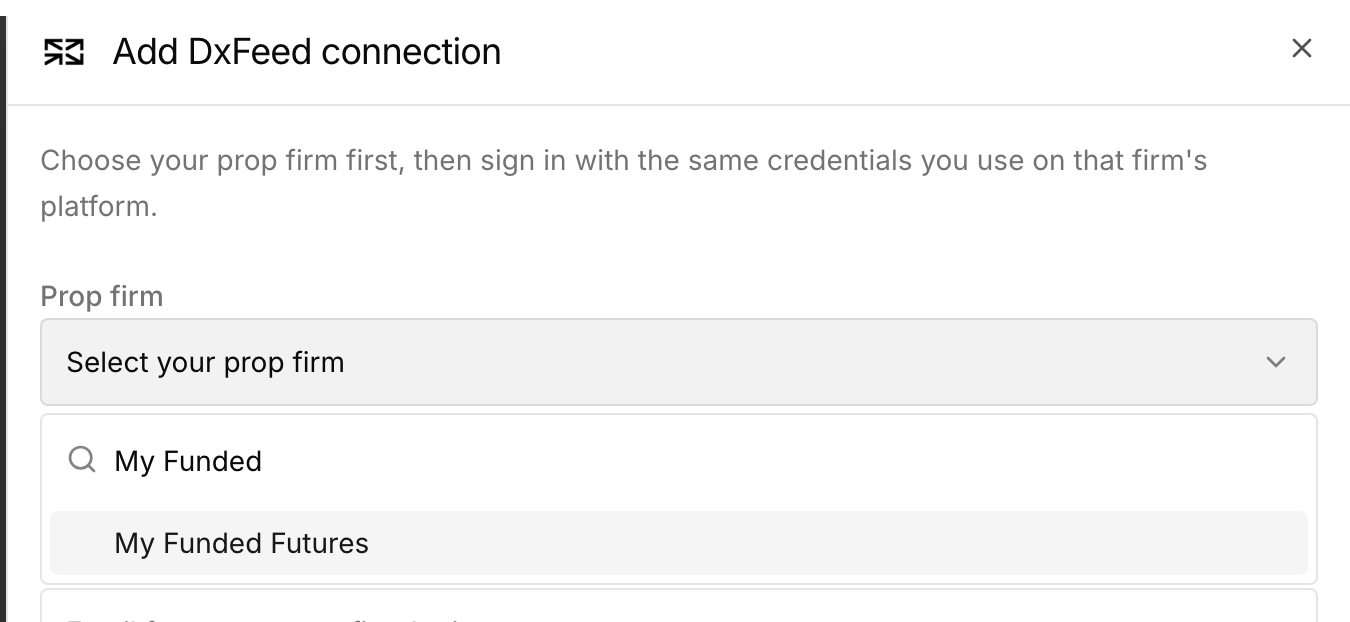
My Funded Futures is now available in the picker and connects through its DxFeed endpoint. In the second step, use the same email address and password as on the selected firm's platform. The form identifies a missing or invalid email, missing password, or missing firm before attempting the connection.
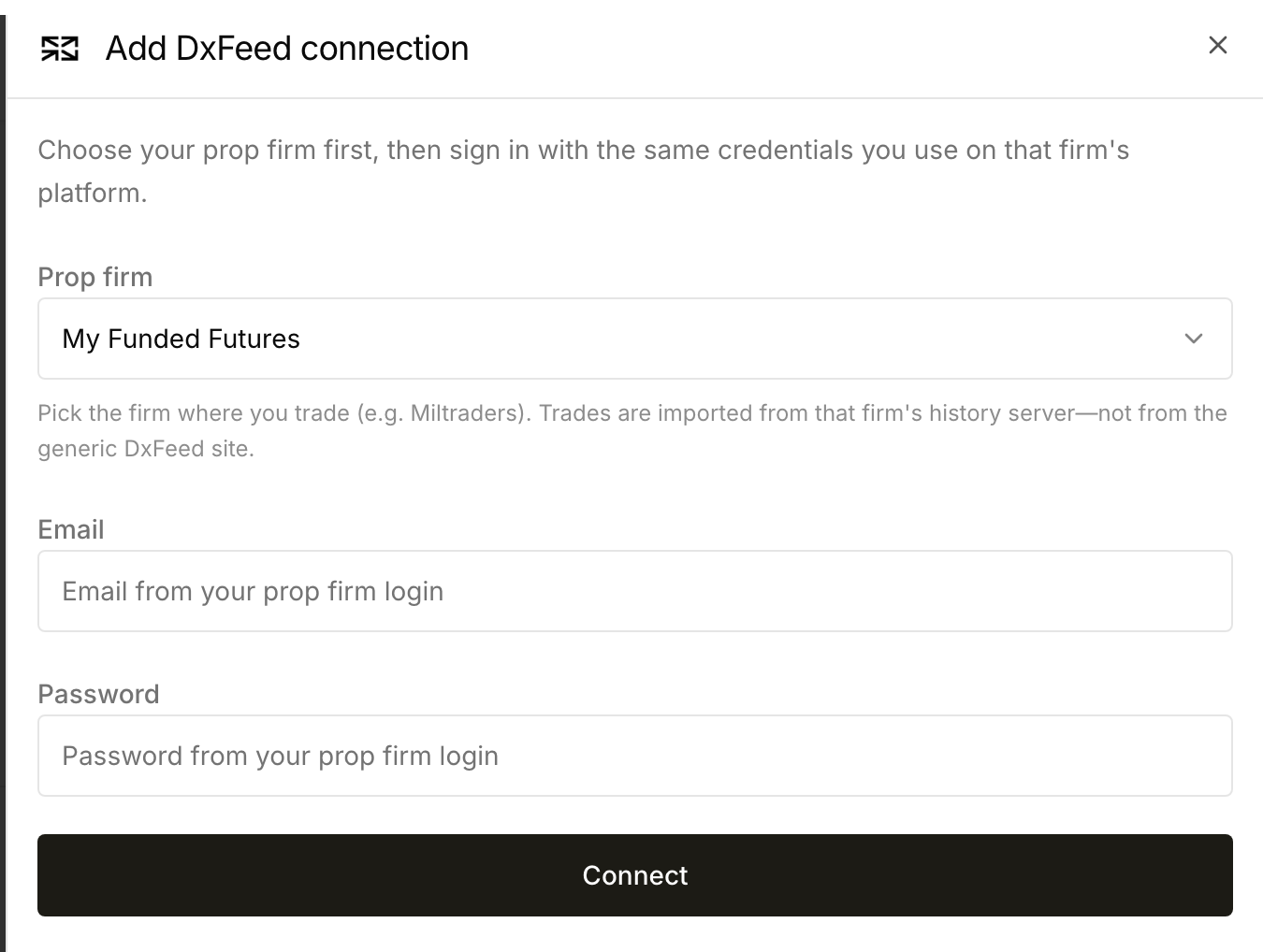
The list covers specifically supported firms; using DxFeed alone does not make every prop firm compatible. Set up a DxFeed connection to check the available firms.