Import IG trades from a Transaction History export
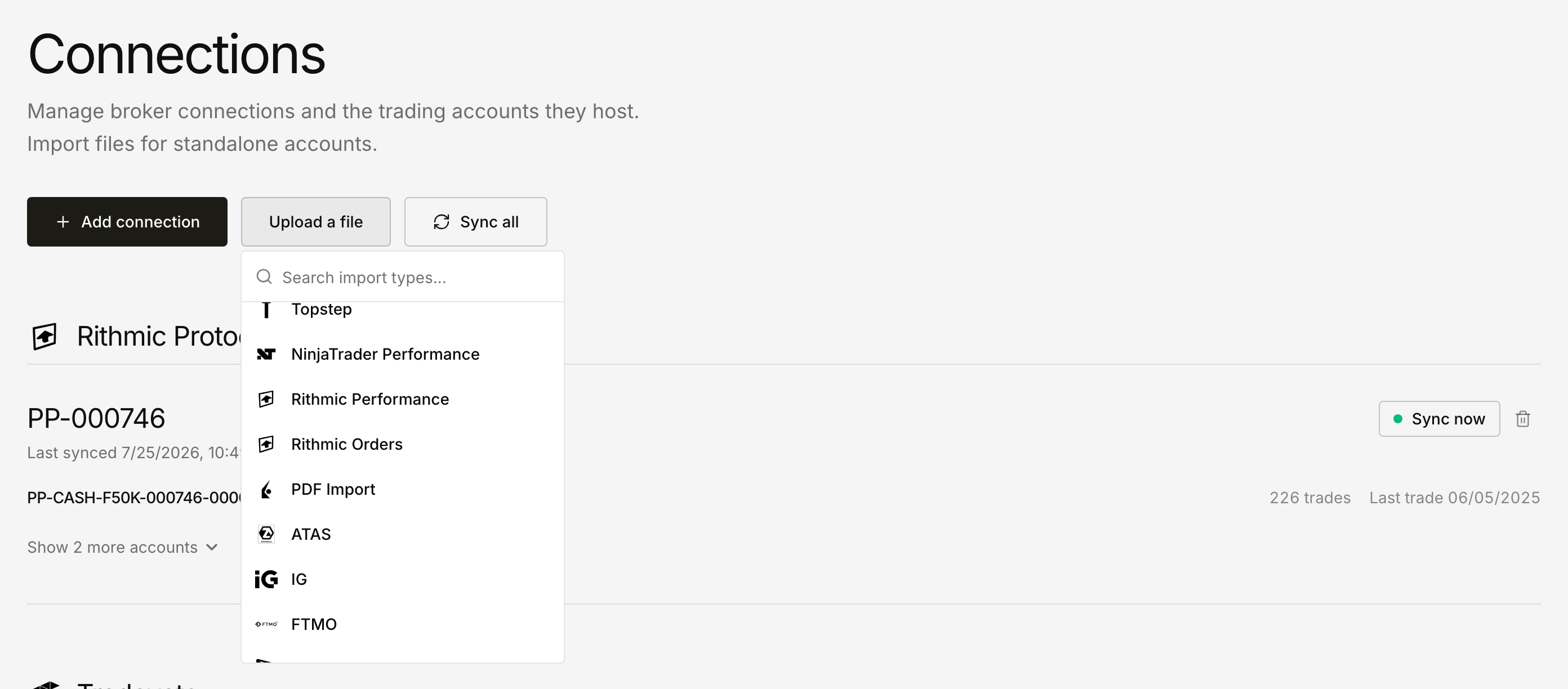
IG now appears in the import picker on Dashboard → Connections. Choose it, upload the Transaction History CSV you download from IG, select the Deltalytix account the trades belong to, and review everything in the preview before saving.
The importer reads closed positions: market, deal reference, open and close level, size, the P&L amount, and the UTC open and close timestamps. Because the timestamps come from the export, direction and time in position are read rather than guessed — a positive size becomes a long, a negative size a short. Market names keep the instrument and drop IG's conversion suffix, so Spot Gold ($1) converted at 0.861122464 arrives as Spot Gold ($1). Accounting-style and European number formats such as (€25,50) are parsed as −25.50.
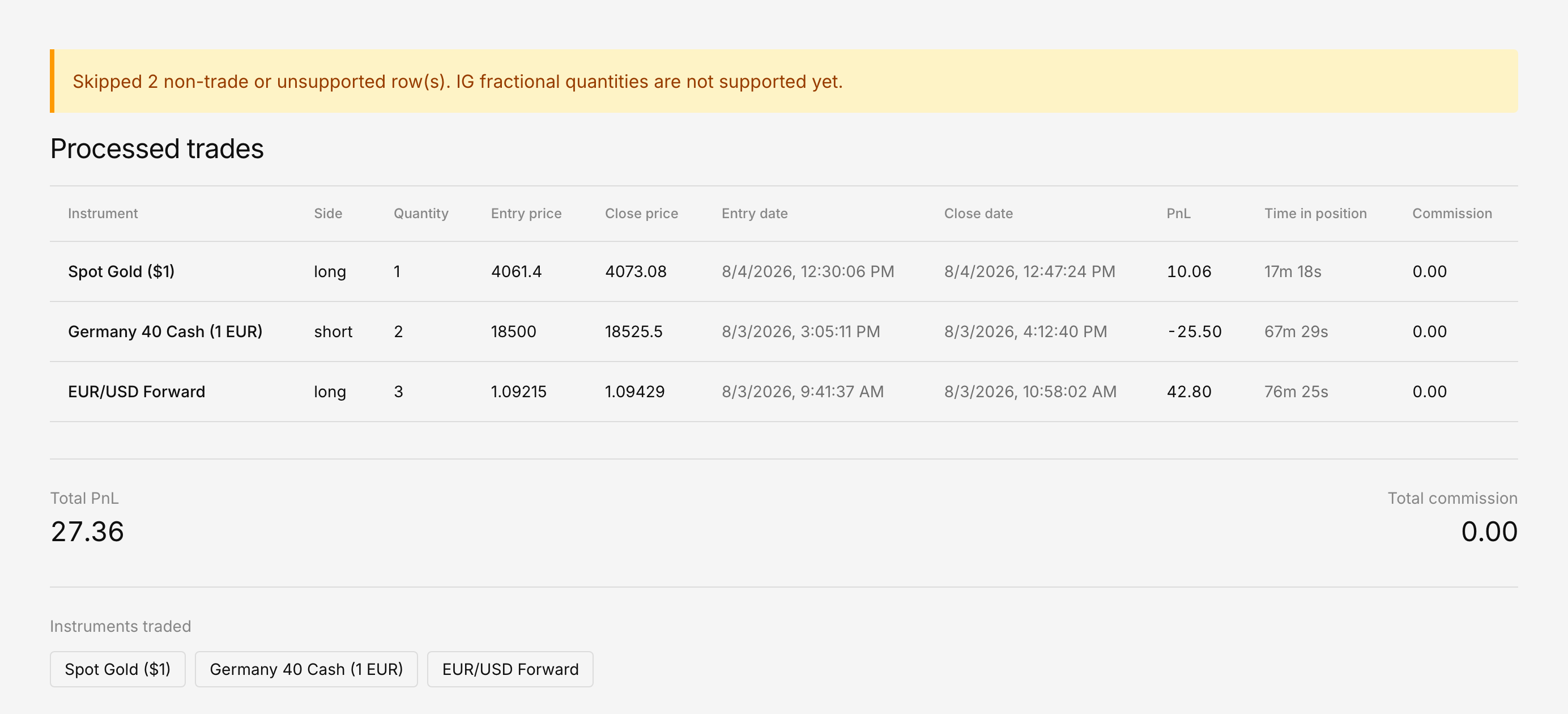
Two kinds of row are deliberately left out, and both are counted in the notice above the preview:
- Cash movements (funding, fees, interest) are skipped instead of being turned into trades.
- Fractional sizes are skipped. Deltalytix stores quantity as a whole number, so the importer reports these rows rather than quietly rounding them.
If you upload an Activity History file by mistake, you get a message naming the problem and asking for Transaction History, instead of an empty preview.
To see the expected shape first, download the sample IG export, then start an IG import.