Search the import platform picker
Upload a file on Dashboard → Connections now opens with a search field. Type to filter the list by platform name or description — "rithmic", "csv", "pdf" — and press Enter on the match instead of scrolling the whole set of supported platforms.
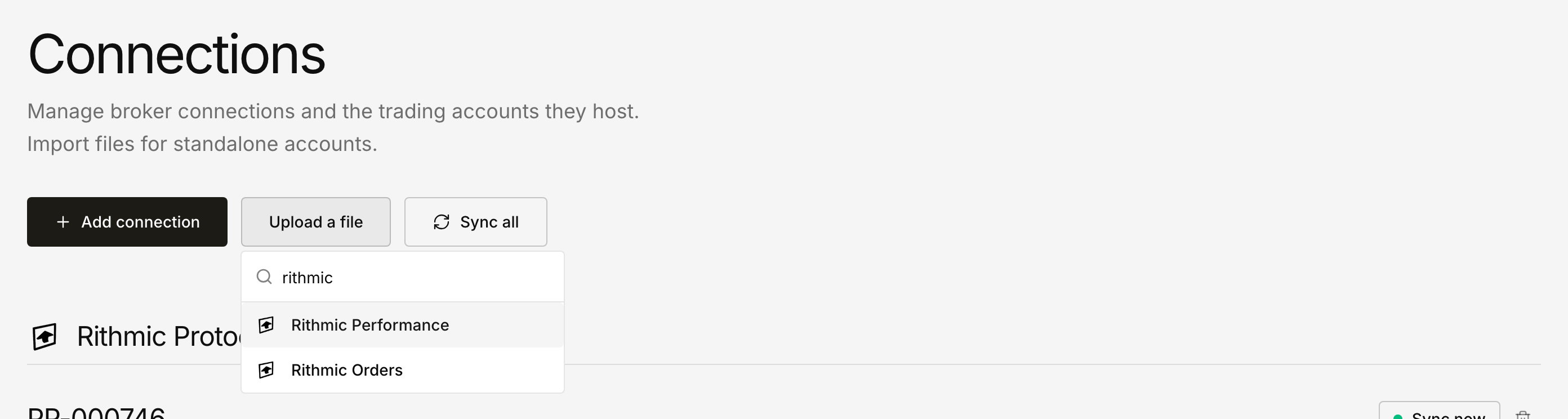
Arrow keys move through the results, and a search with no match shows No import types found. rather than a blank panel. The same search applies when you reopen the picker from the selected-platform button to switch to a different import.
Open the Connections page to try it.